Hi, looks like new version dont work on windows, delete outdated tor files and shutdown dont work.
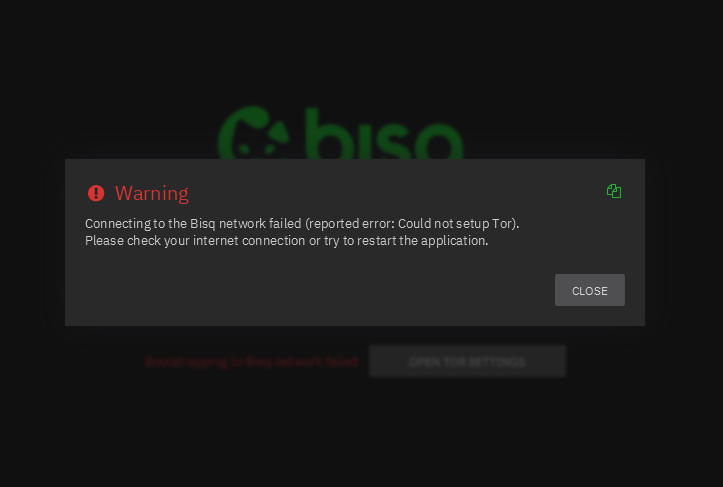
Check if antivirus is interfering with the new Bisq version. If that does not work try using another connection.
My antivirus is fine and so is my connection, if I open only a separate tor browser everything works
I’m having the same problem.
I’ve tried everything… my Tor browser works normally, but the applications that use Tor show this error in all of them.
For those have tor issues like this on Windows, try uninstalling and reinstalling Bisq, without touching data directory
I tried it, doesn't work
The new version is working fine for me on Windows:
Edition Windows 10 Pro
Version 22H2
Installed on 31/10/2020
OS Build 19045.6466
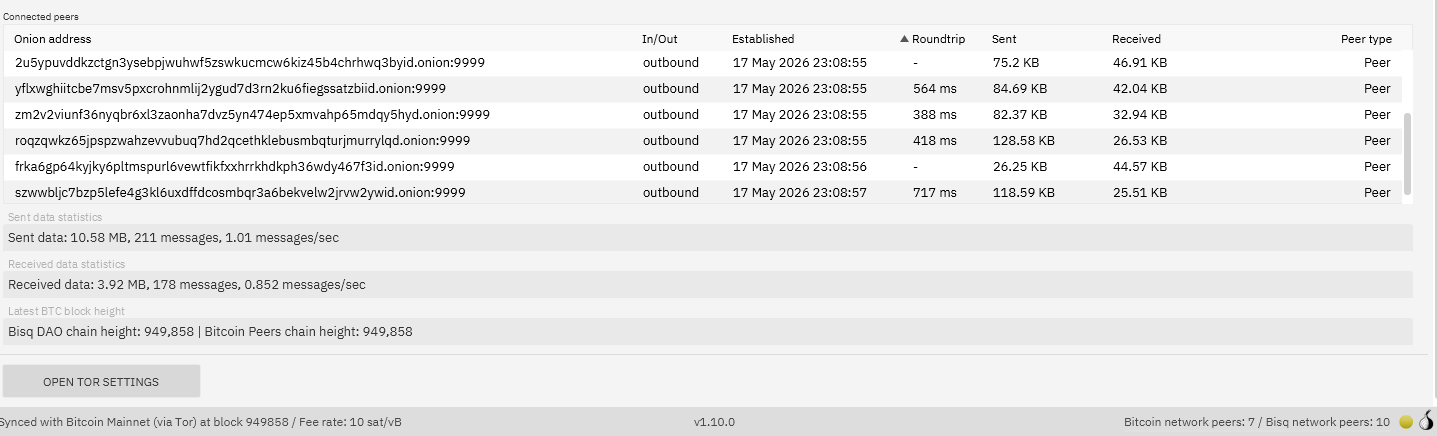
My versions is:
Windows 11 Pro
Version 23H2
Installed 14.5.2024
OS Build 22631.6199
Looks like problem is USERNAME
my name has diacritics C:\Users\examplé\AppData\Roaming\Bisq
Please fix it so that it can recognize diacritics.
Thank you for your reports phil and elipso, details have been reported to devteam
Thank you. Because it worked before with this current username that I have on my pc.
I suppose a workaround would be to move the data directory to another path outside of your home folder, with no diacritics, and start bisq with a custom parameter
Yes, but that’s not a solution. Because the installer has by default
C:\Users\Username\AppData\Local\Bisq\
I understand that the application itself launched but then it won’t start tor? since the tor files are in the data directory I would think my suggestion is still worth a try
The path without diacritics works.
1 Like
Problem is still there also with v1.10.1
just as a report, a user reported resolving this after reinstalling windows altogether
If you reinstall windows with diacritics name it won’t help.
Hi.
I have the same problem.
Win10 64bit.
Neither reinstalling it in a different directory nor changing any settings or uninstalling my antivirus software has worked.
Even Bisq v1.10.1 didn’t provide the solution I was hoping for.
Tor, via the Tor Browser, works.